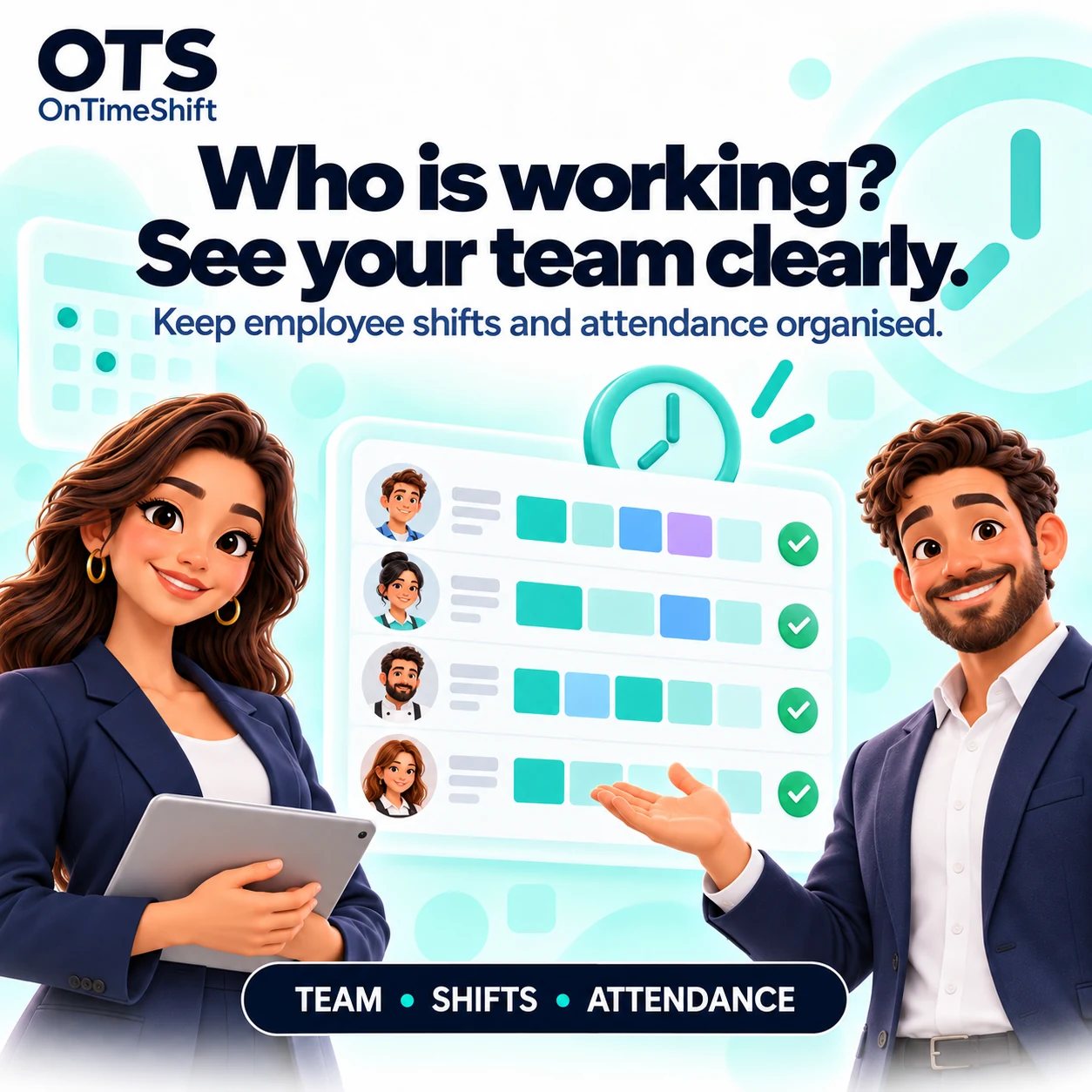
Attendance · Shifts · Locations Your workday. All together. Track attendance, organise your team and manage locations. Plan employee shifts when you need them.
Attendance first. Use OTS with or without planned shifts.A clearer view of work Less chasing. Keep the team, its locations and the working day connected.
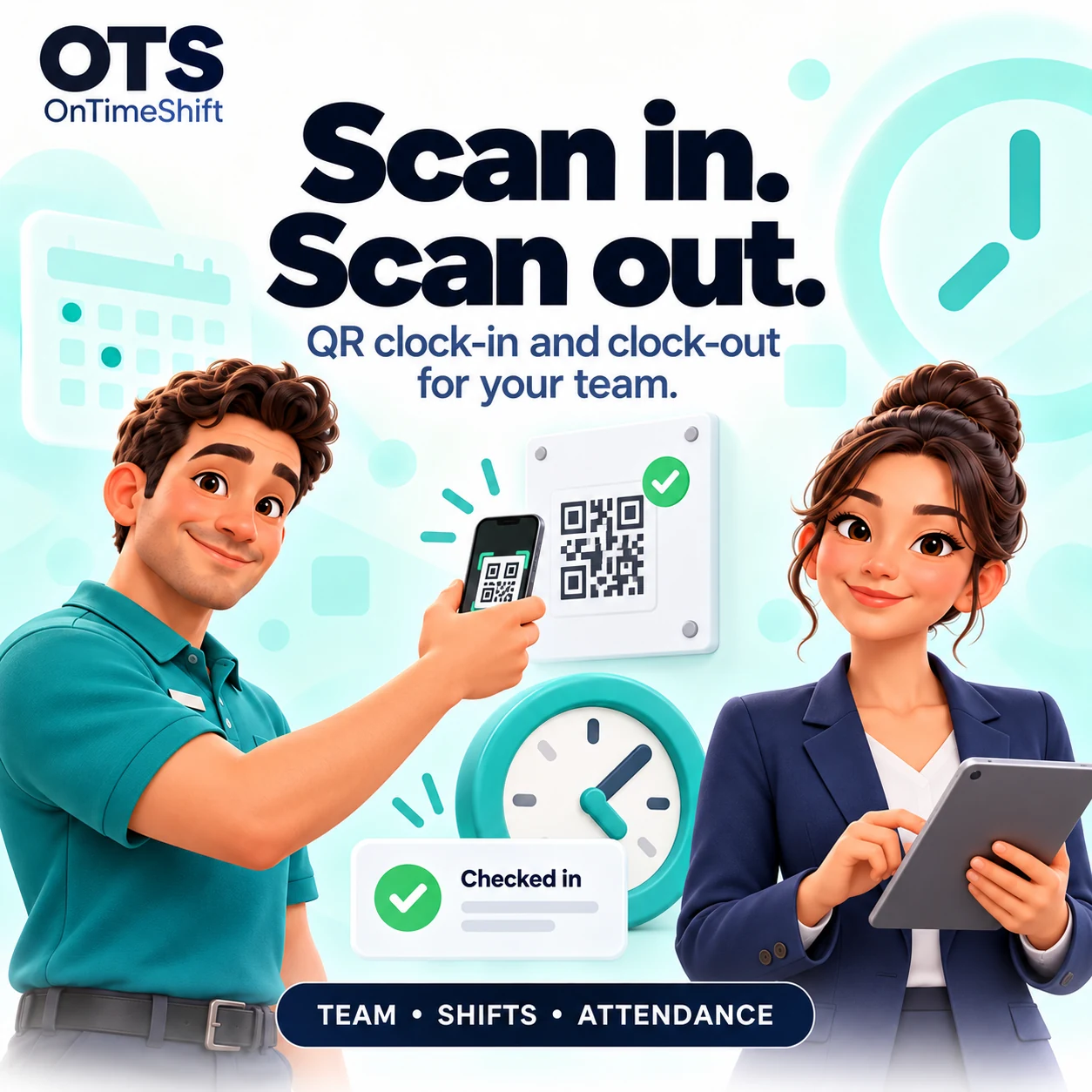
QR attendance Clock in and out at the right workplace. Keep breaks and work events in one clear record.
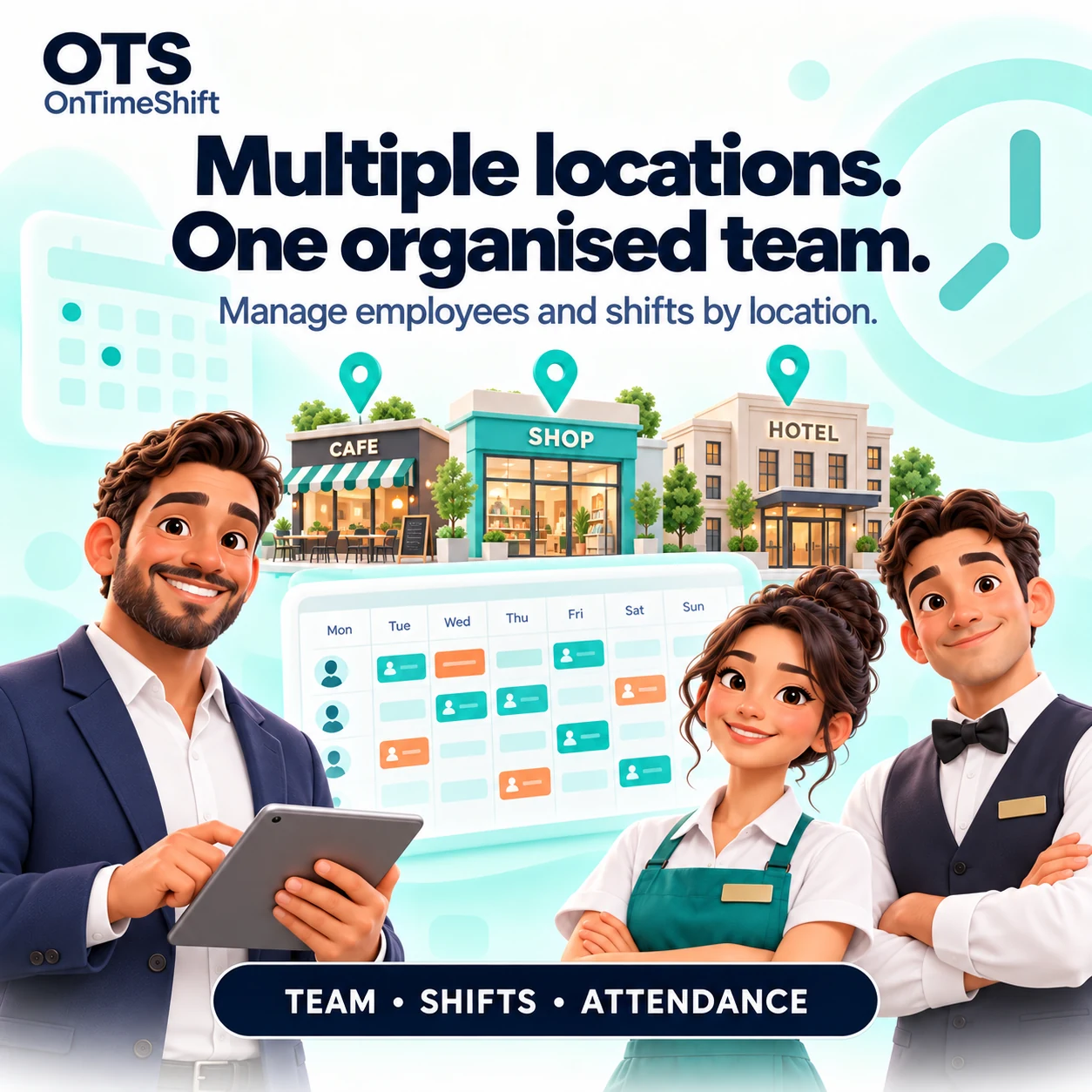
Read the guide → Team & locations Manage employees, roles and permitted workplaces with a clearer view of who is working.
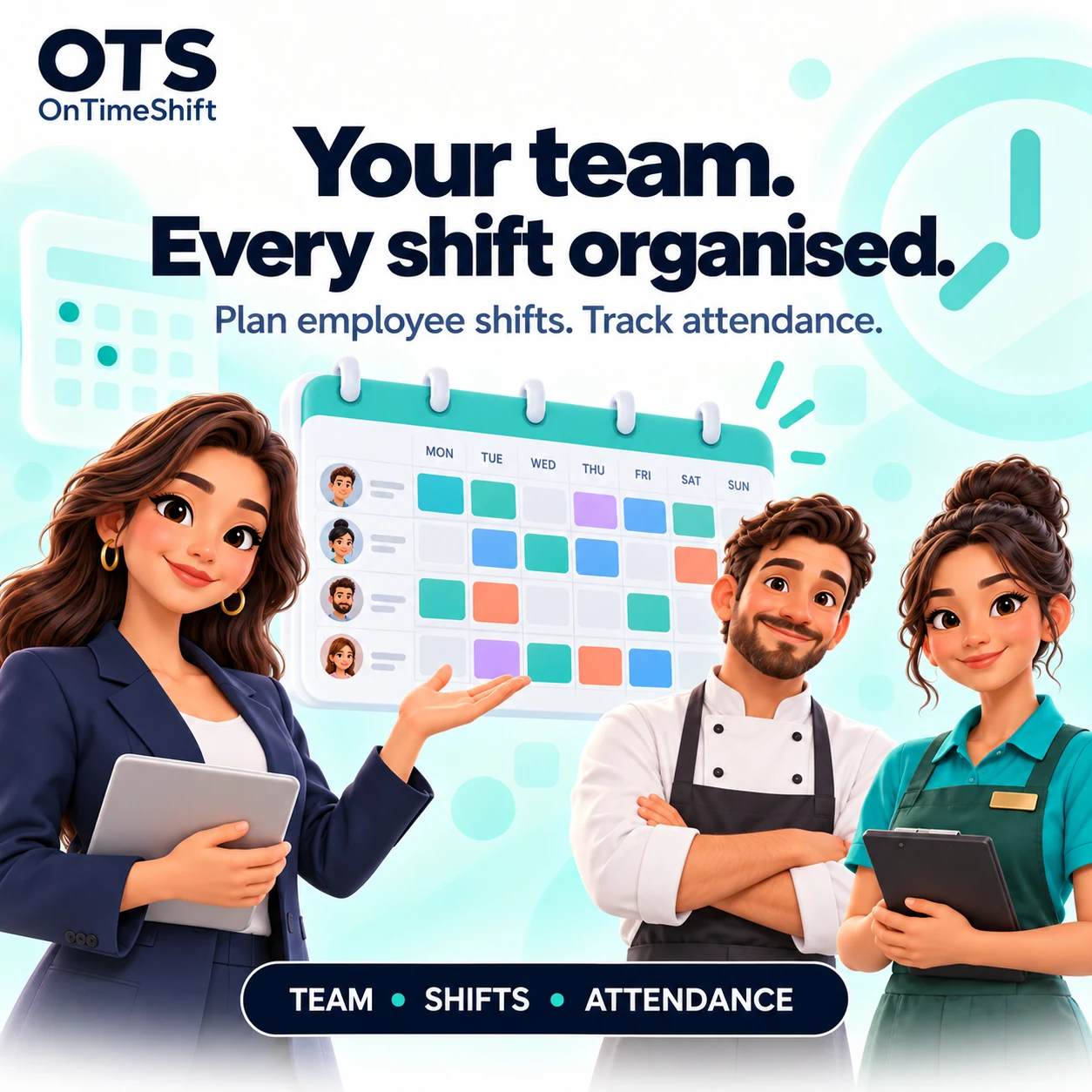
Read the guide → Shifts & reports Plan ahead when you need a roster, then review recorded working time and attendance.
Read the guide → Two roles. One connected team. Simple for every role. Administrators organise the workplace. Employees record their day.
Administrator Build your team. A clear place to manage the company and its workplaces.
Create your company and locations. Invite employees and set their access. Follow attendance, optional shifts and reports. Administrator guide→ Employee Join. Clock in. Get going. Your company invitation connects you to the right team.
Enter the PIN from your invitation. Confirm your email and company. Record attendance, breaks and clock-out. Employee guide→ Built around real workplaces One team. From a café and a shop to teams working across several branches, keep each person connected to the right workplace.
Distinct locations with their own QR codes Employee access and role permissions Optional shift templates and rotations Working-time records and PDF reports Discover the features→ Room for your team A plan for every team. Four paid options. One company subscription.
Ads Free $1.49 / month
$14.99 / year if billed yearly
1 location Up to 10 employees No ads for your team Company-wide subscription View in app → Basic $4.99 / month
$49.99 / year if billed yearly
3 locations Up to 20 employees No ads for your team Company-wide subscription View in app → Business $9.99 / month
$99.99 / year if billed yearly
5 locations Up to 100 employees No ads for your team Company-wide subscription View in app → Premium $14.99 / month
$149.99 / year if billed yearly
Unlimited locations Unlimited employees No ads for your team Company-wide subscription View in app → USD reference prices. Local pricing and applicable taxes are shown in Google Play before purchase. Employee limits are total active employees per company. One subscription for your company, not per employee.
The OTS Help Centre Help at every step. From your first invitation to your monthly report. Illustrated guides for administrators and employees.
Visit Help Centre→